Full Screen View
In normal view, the display includes a few informational elements on screen: screen key, user icons, and username tags. Anyone sharing content can instruct the display to switch to full screen. In full screen view, all the informational elements are removed from the screen to make as much room as possible for content. The content windows are expanded to the largest possible size given the display size and the size and shape of the content window(s).
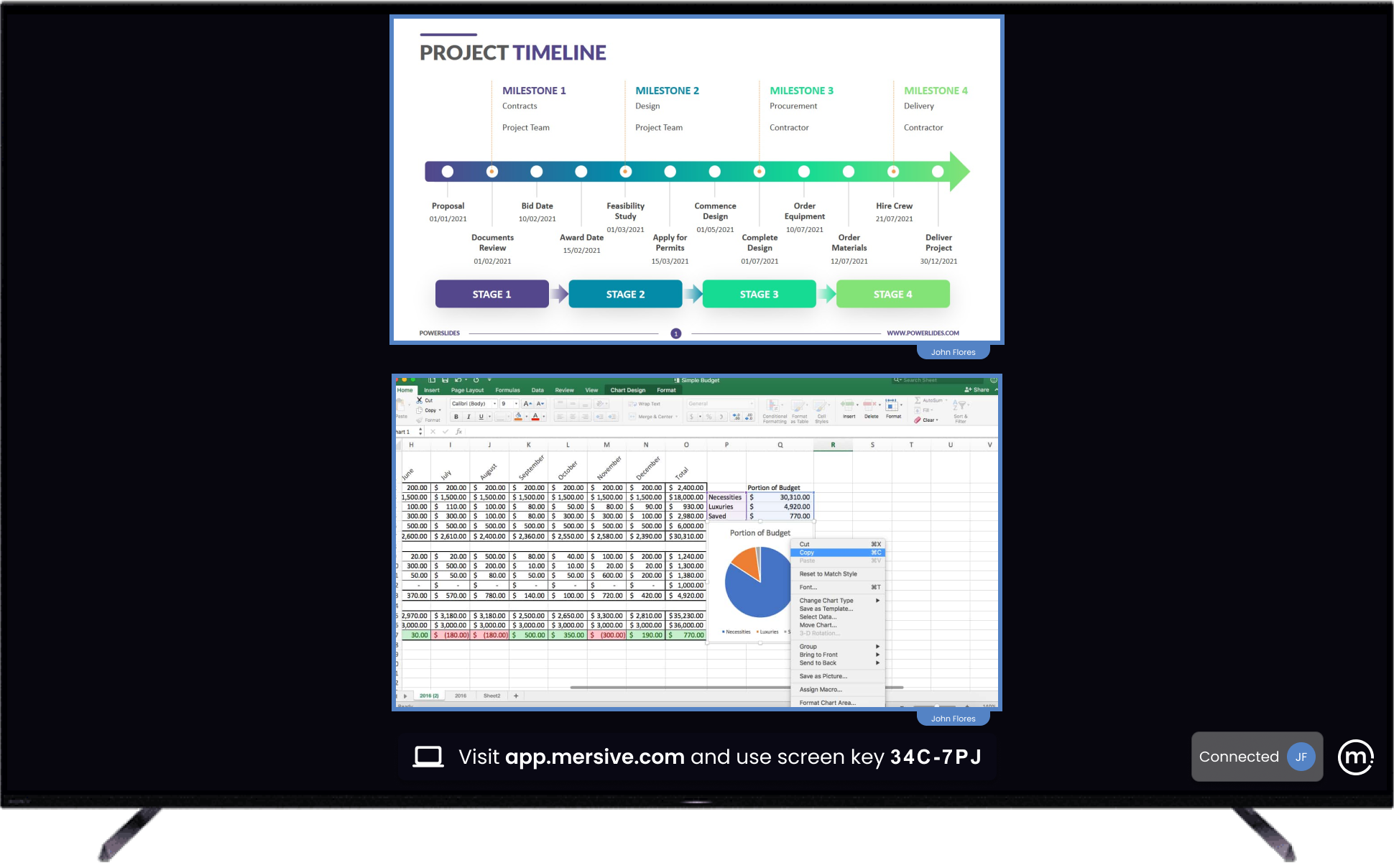
Normal view
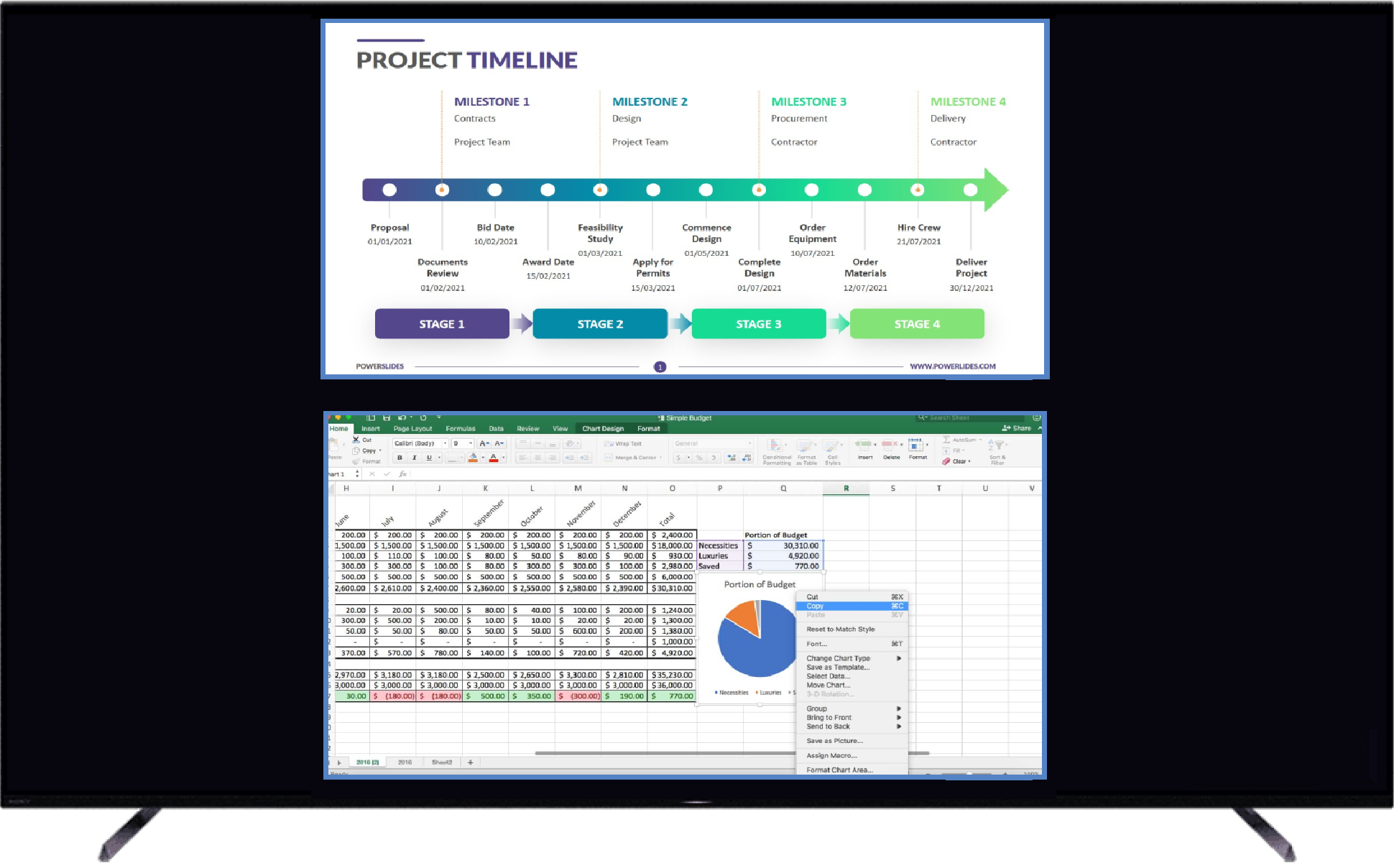
Full Screen view
Tip: Remember to maximize the content window or switch the video playback to full screen on your laptop before sharing. This will help get the best visuals when switching the display to full screen view.