Account Creation
Create a Mersive Account
Creating a Mersive account is a simple process not unlike making a username and password for other web services. Having a Mersive account gives you credentials for login specifically for interacting with the admin portal and your devices.
To create a Mersive account, take the following steps:
With a laptop or mobile device, go to app.mersive.com/admin or mersive.com/activate and select Sign up.
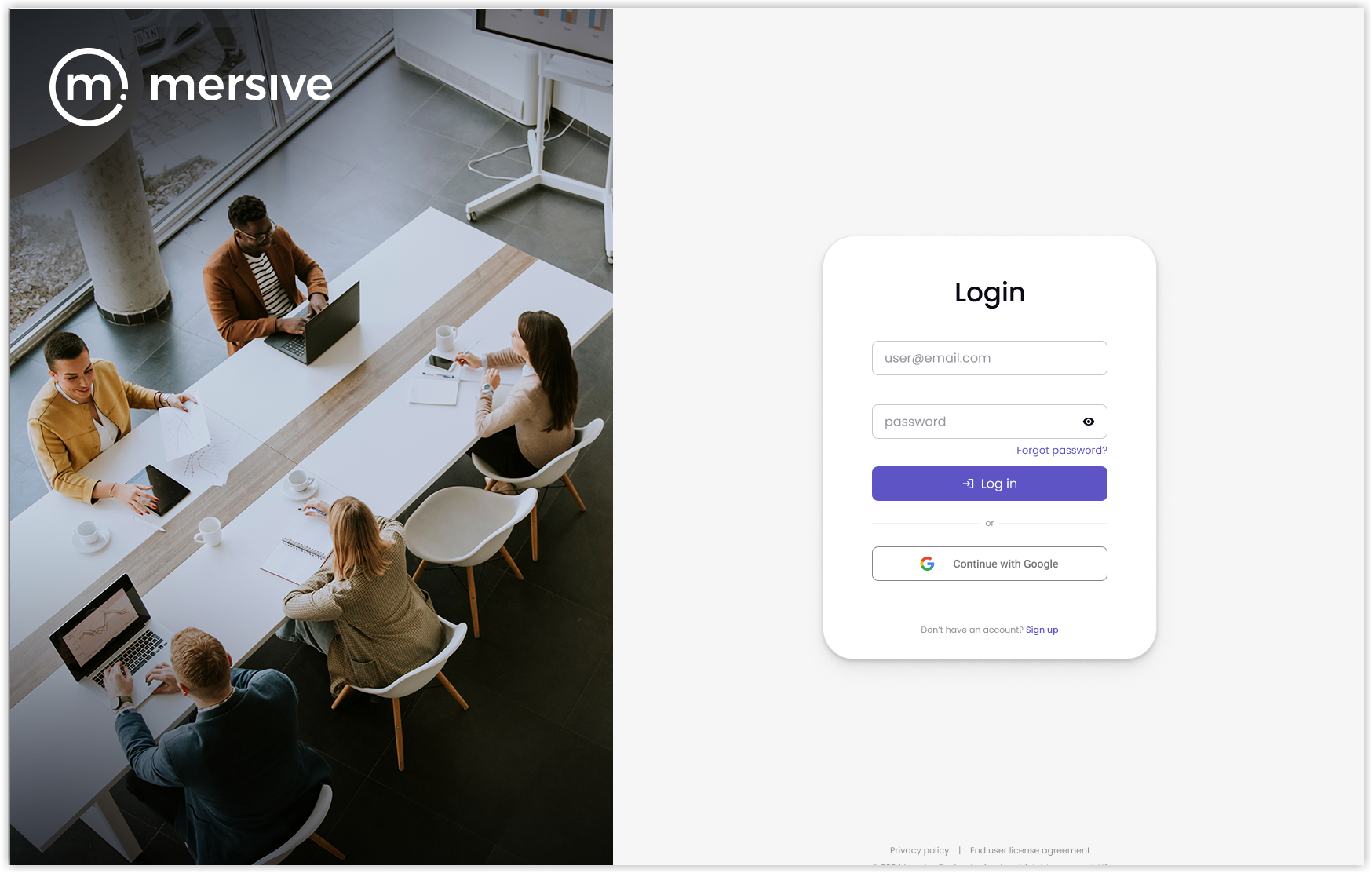
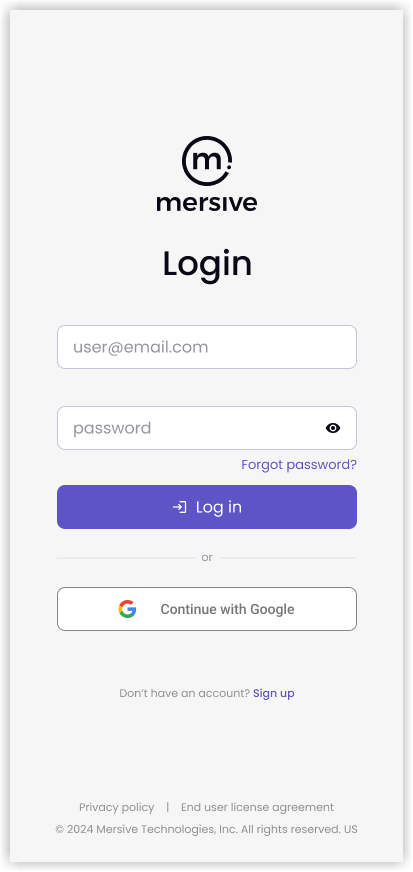
On the Sign Up screen, enter your Email and create a Password. Note: Passwords must be 12 characters long and include at least one uppercase letter, one lowercase letter, and a symbol or number; the web client will verify that your password meets these requirements.
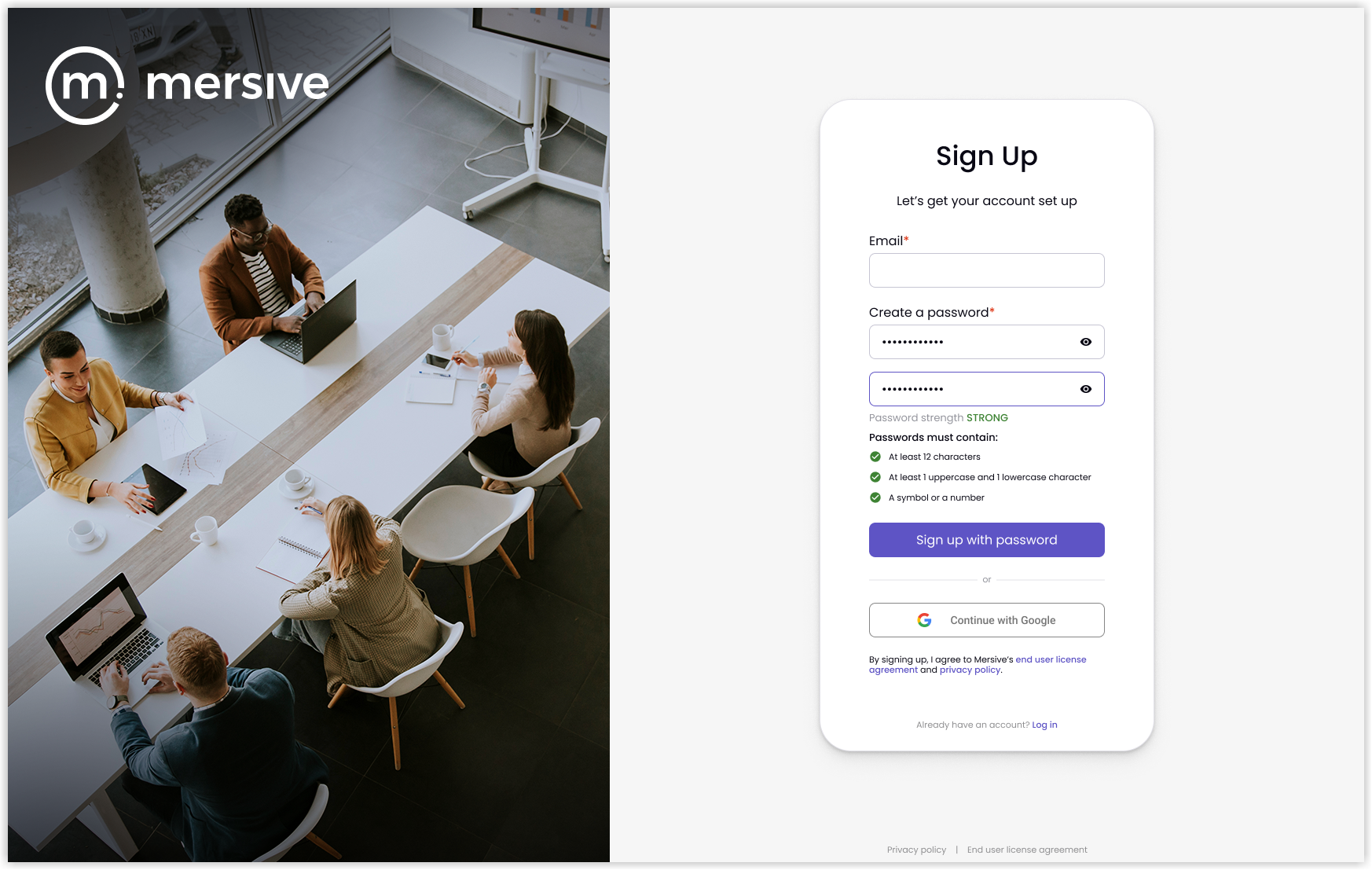
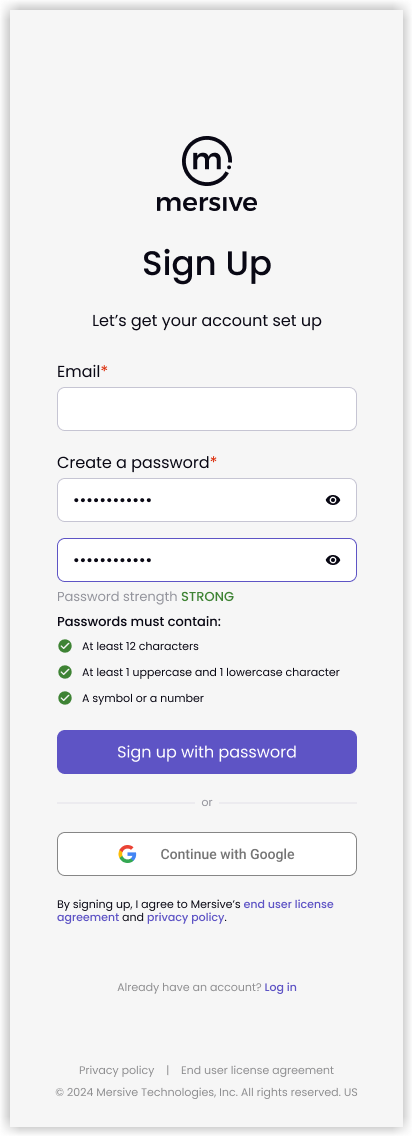
Select Sign up with password. The admin portal will send an email with the subject: Verify your email.
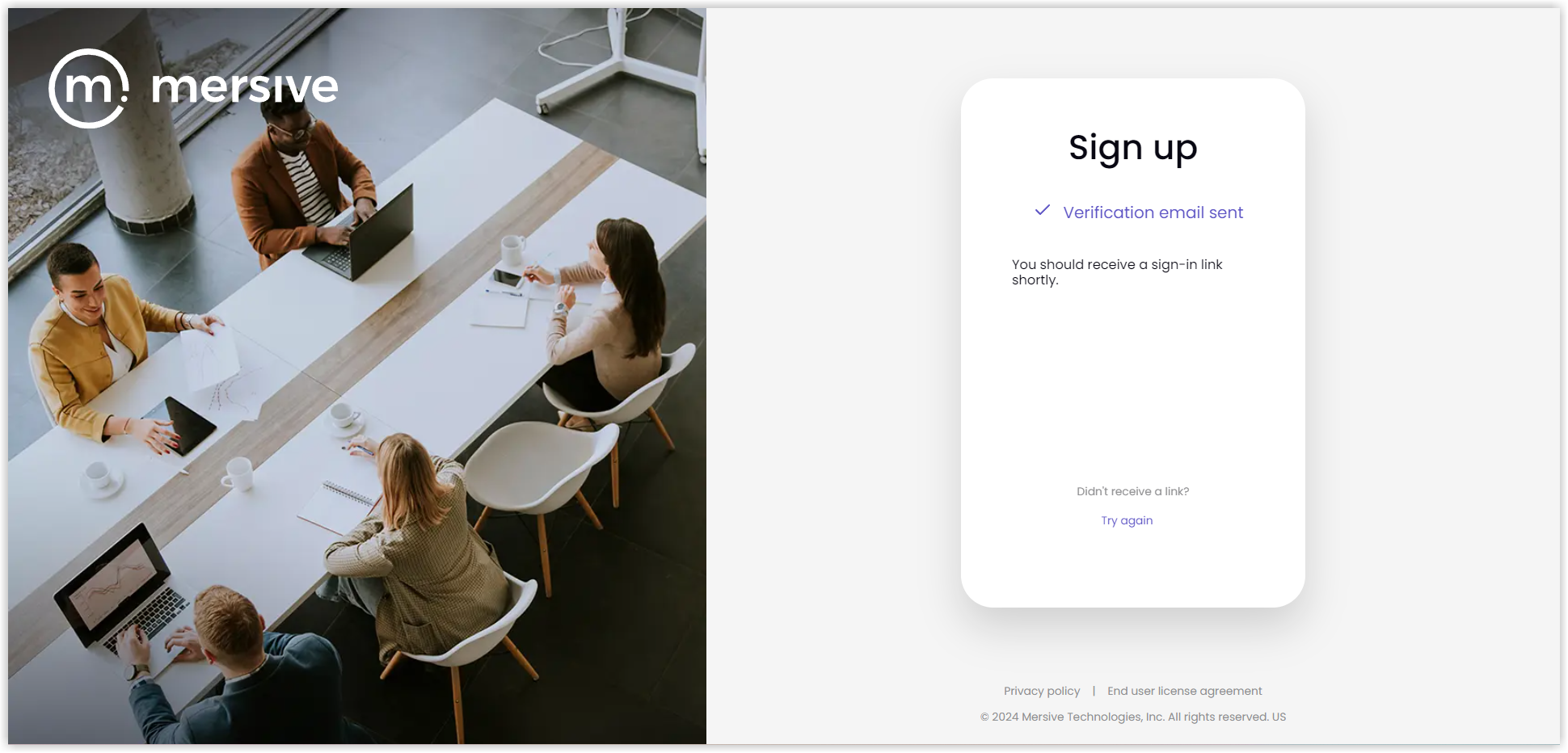
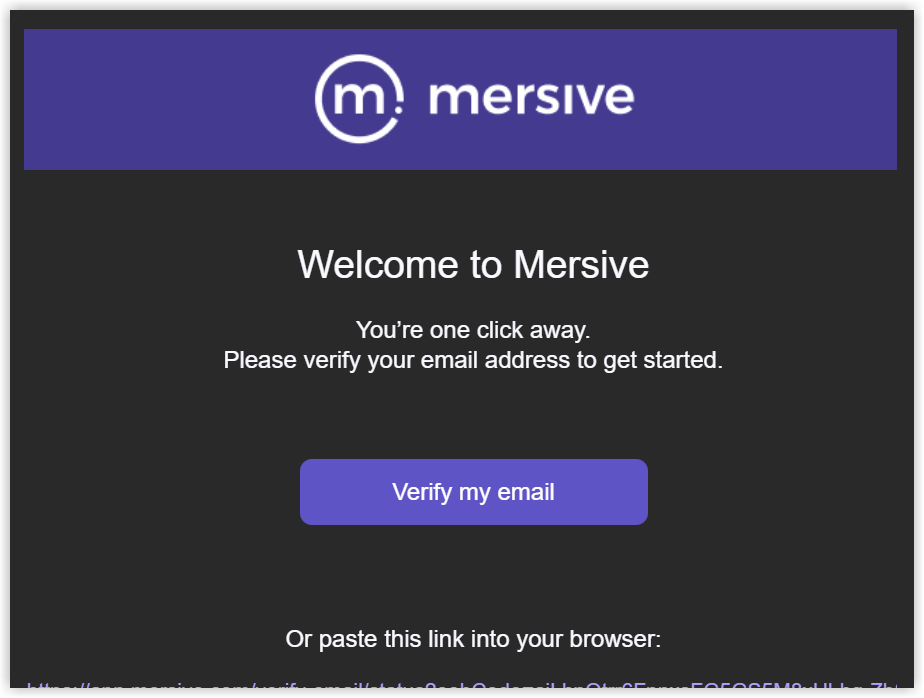
Open the email message and select Verify my email or copy the link and paste it into a browser window. The admin portal will appear.
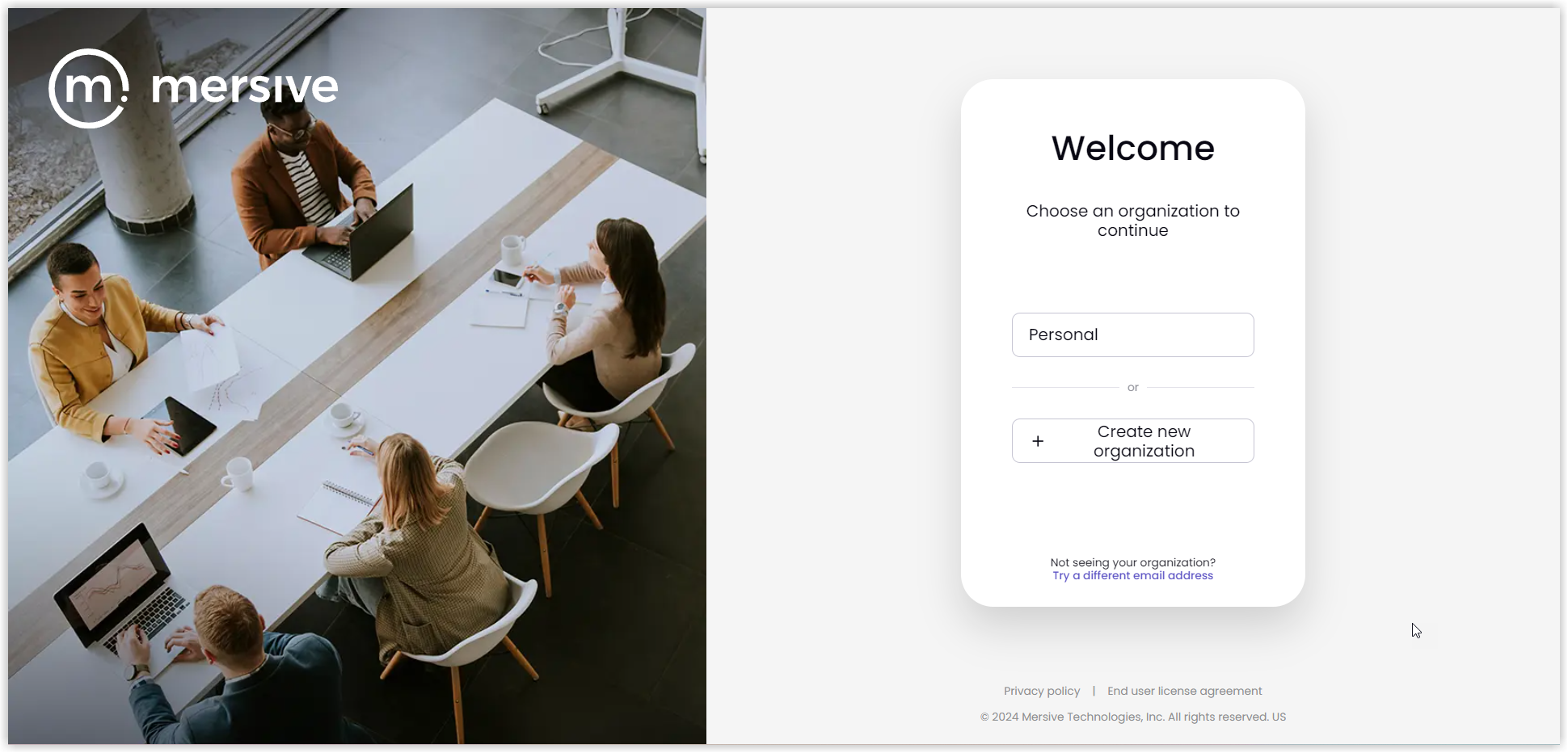
Choose an Organization. Note: The Personal organization is created by default, and you can rename it later. If you want to create an organization, select Create new organization.
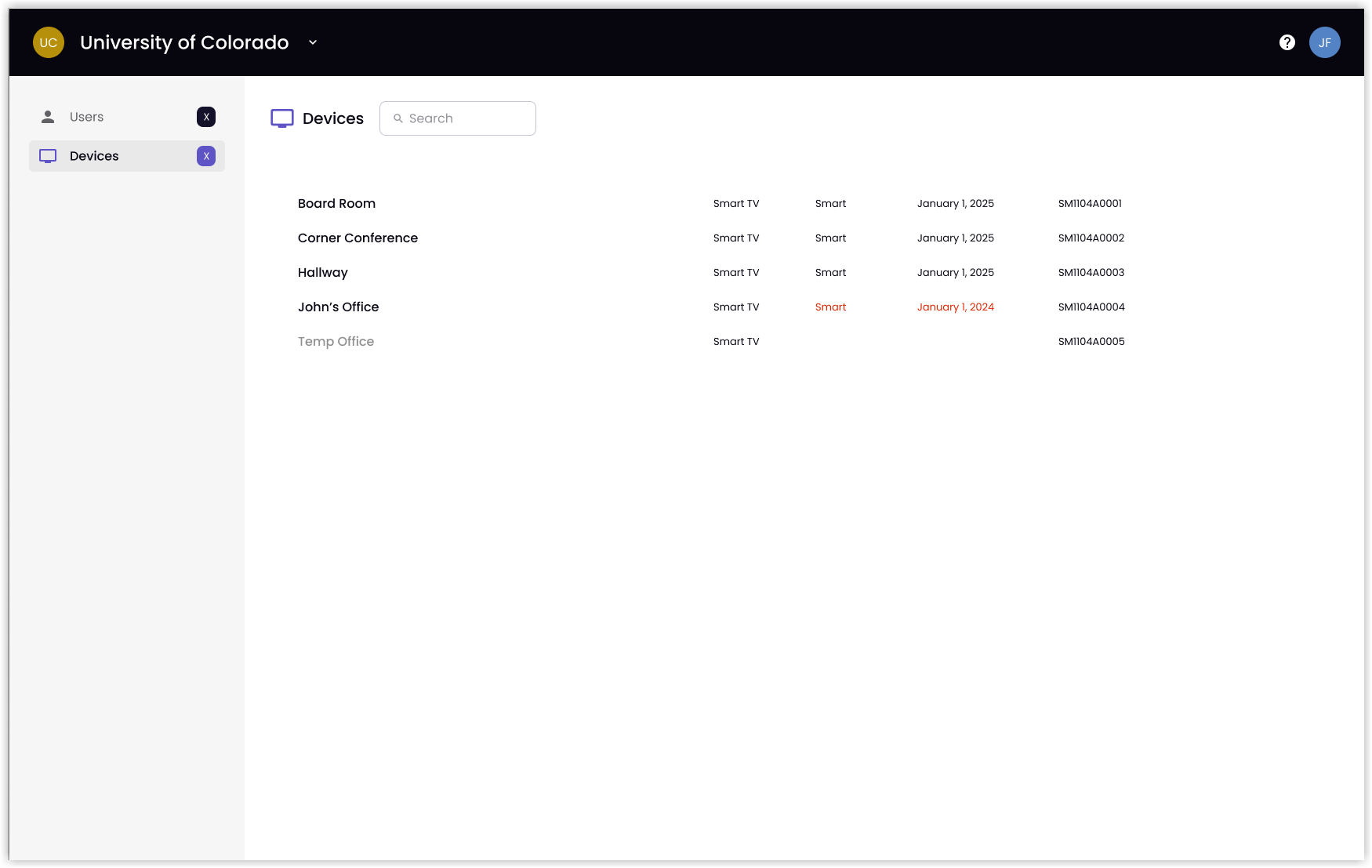
The admin portal displays the selected organization. Note: If you have not onboarded any devices yet, the Devices list will be blank.