Event-Based Digital Signage
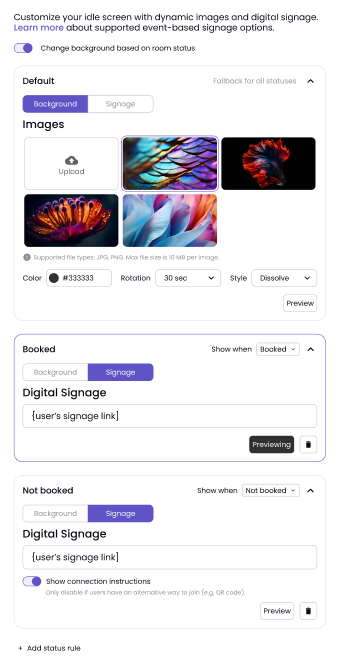
In the Appearance tab of a Device, users can toggle on event-based digital signage. Events are based on room status, which is connected to the organization's calendar. The statuses are: booked, not booked, or cannot be booked.
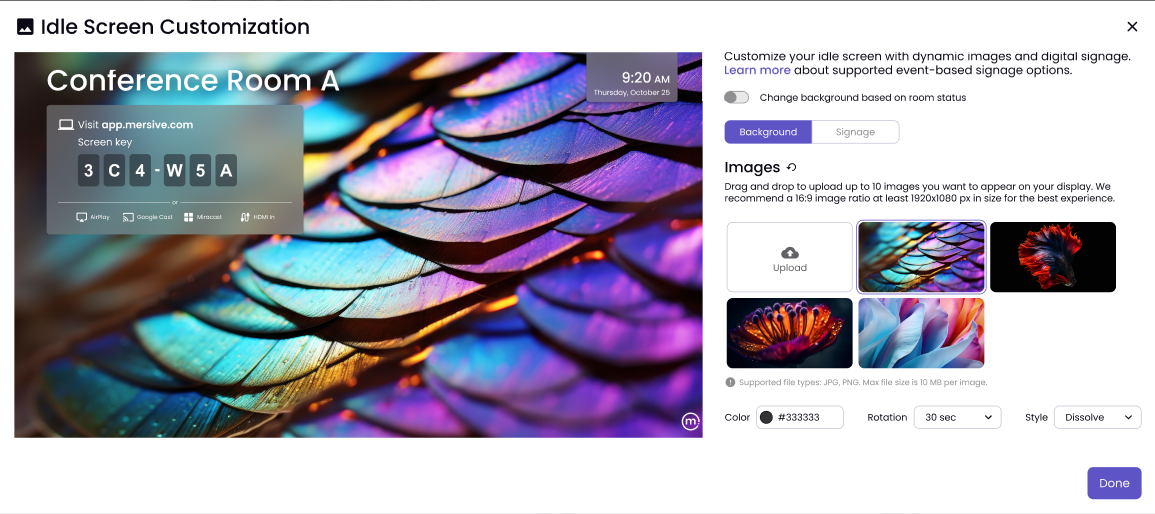
Once Change background on room status is toggled on, choose the Background or Signage button.
Digital Signage
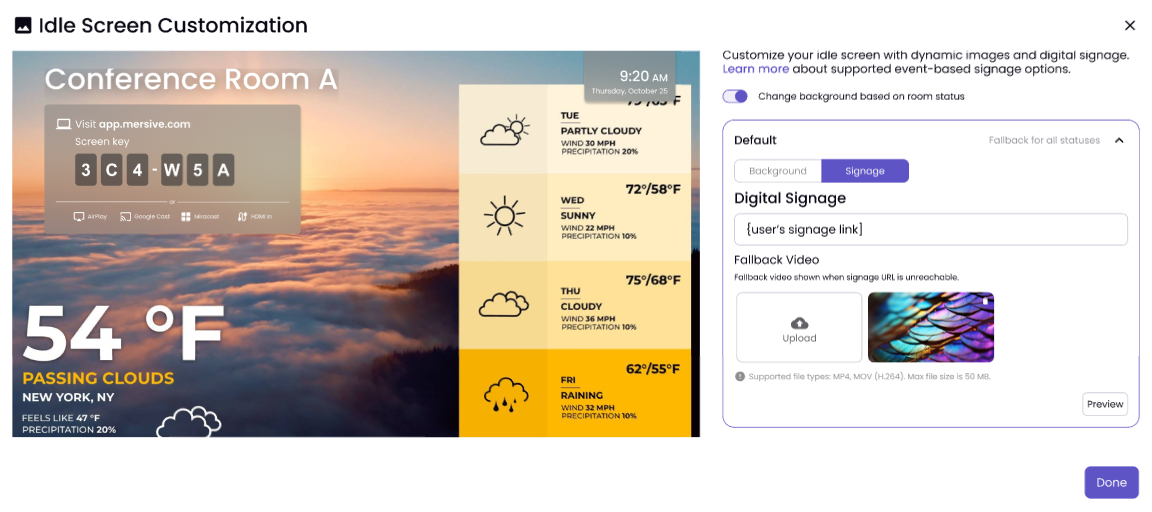
The Digital Signage option allows you to add a custom link/URL. Click on the Preview button to show the changes.
Note
Your first rule will also act as a fallback video (in case the signage link is unreachable) for any additional rules that are set.
Background
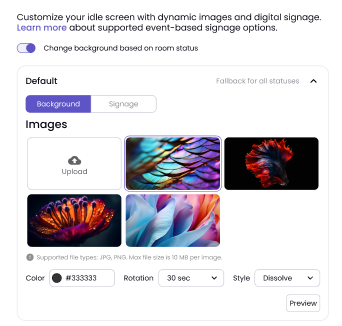
The Background option lets you choose images and customize the color, rotation, and style.
Setting Rules
You can also set rules for which digital signage you want to show and when. You can set certain signage to show when the room is booked, not booked, or cannot be booked, each with its own digital signage or background images.
Delete Rules
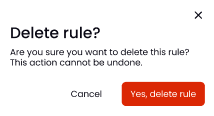
By clicking the Trash Can icon within the rule, you can delete it.