Refreshing Signage
There are two ways to refresh the signage on your devices.
One at a Time
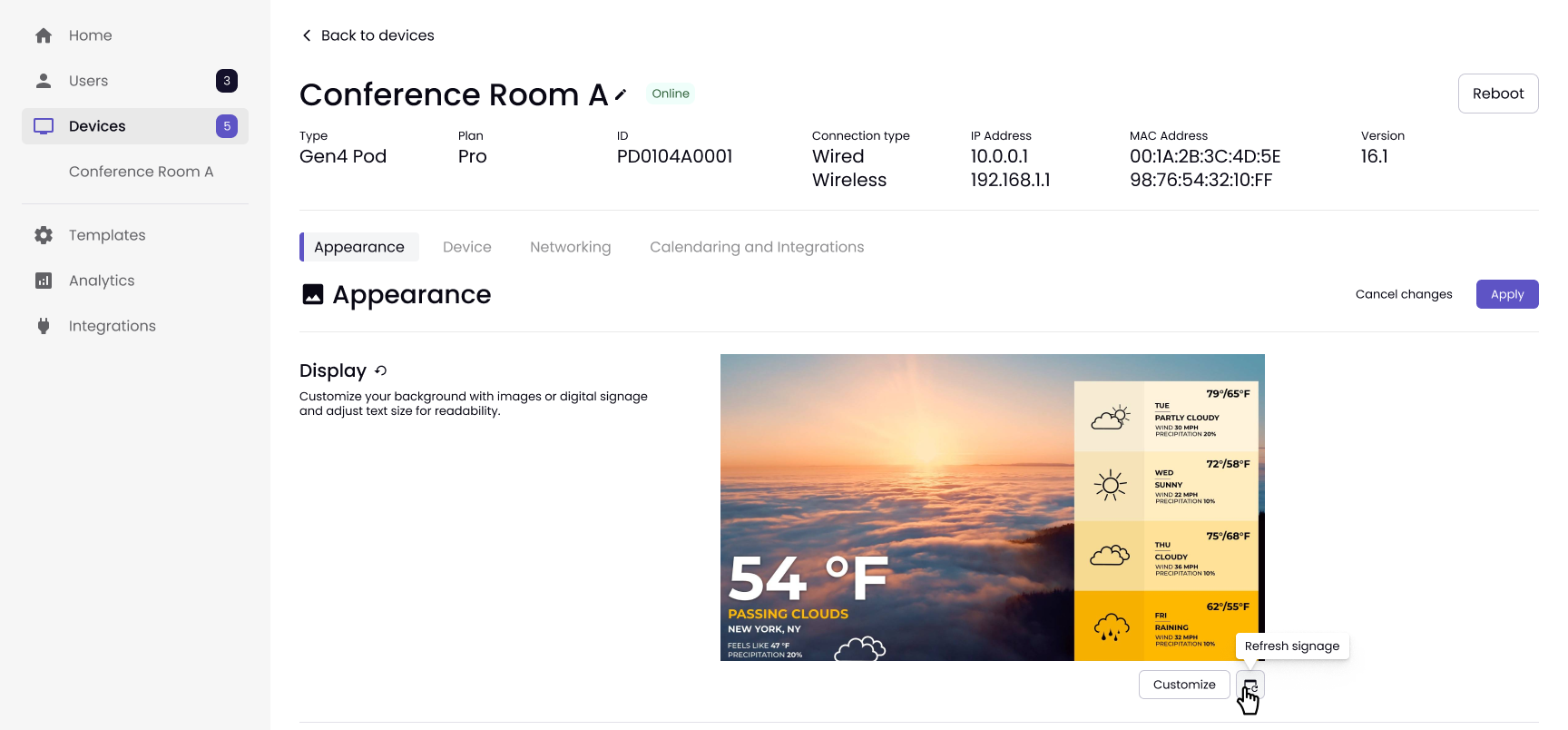
Go to the Devices tab, choose the device. Under Appearance, click the Refresh signage button.
In Bulk
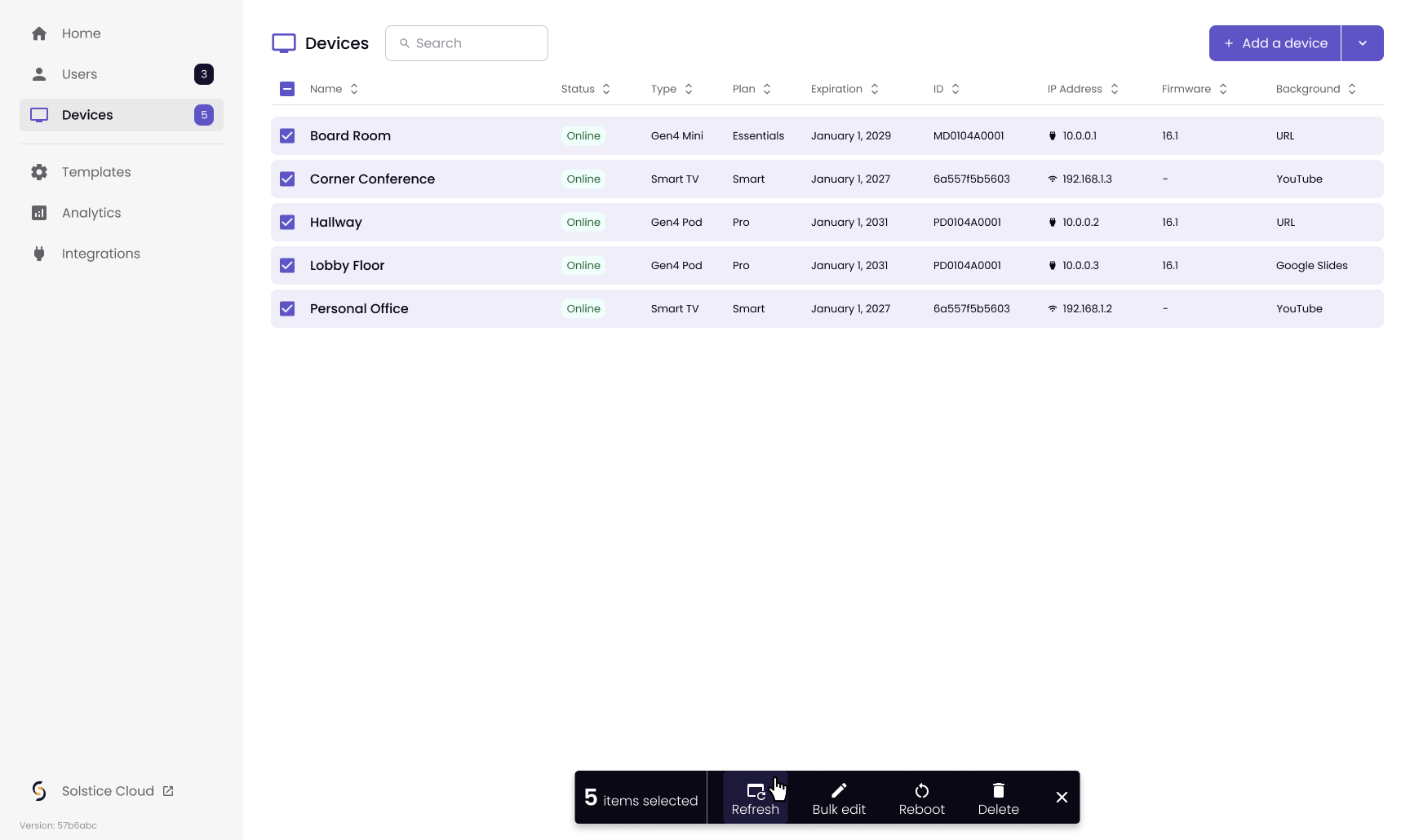
Go to the Devices tab, choose the Devices that need to be refreshed. Choose Refresh in the bottom menu.